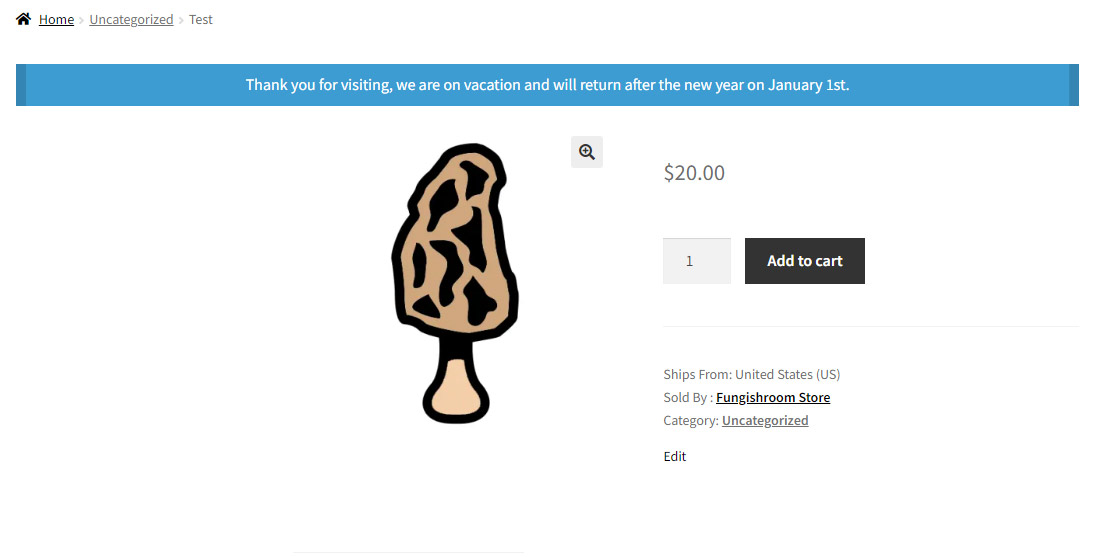
Enabling Vacation Mode will allow you to display a banner on your store and all of your product pages.
Note: You mush check the box, “Disable add to cart for my products” if you wish to stop users from adding your products to their cart while you are on vacation. (This option shows up AFTER you check the box to Enable Vacation Mode.)
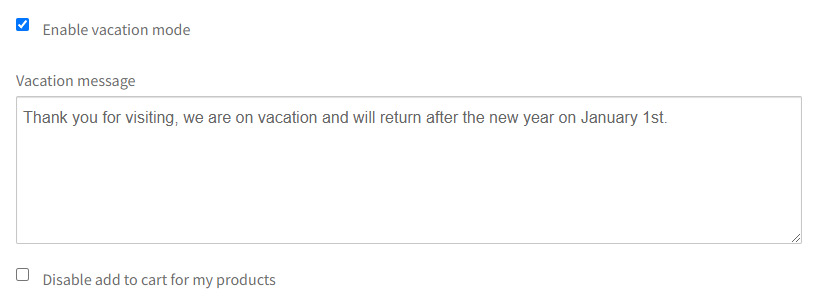
Enable Vacation Mode Field
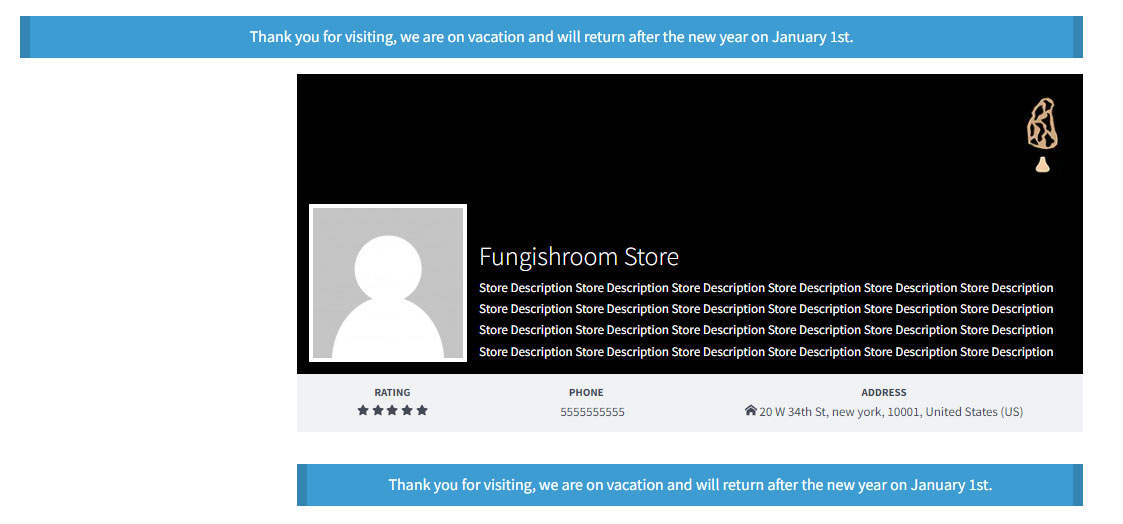
Storefront Vacation Banner On Storefront
Storefront Vacation Banner On Product page