On the Payment tab in your account settings Dashboard, press the “Connect with Stripe” button. All financial transactions are currently run through Stripe. Setting up an account with Stripe is free and there are no monthly fees. The cost to use Stripe is 2.9% +.25 cents per transaction.
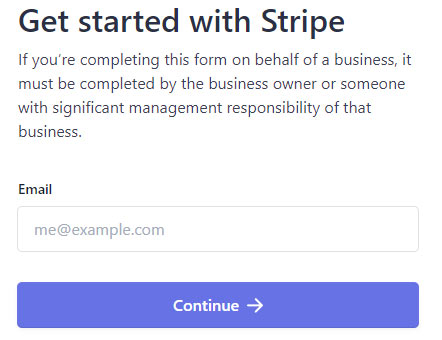
Step 4a – Enter your email address
If you already have an account with Stripe, use that email address. If you do not, use your preferred email address. Press Continue.
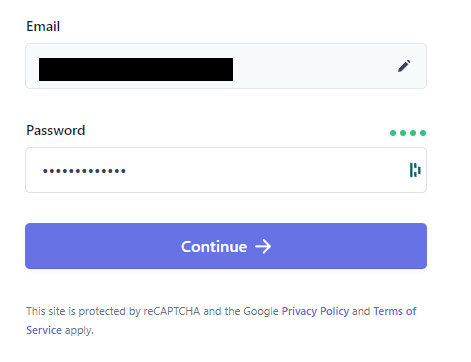
Step 4b – Enter a strong password
Password must meet THESE requirements.
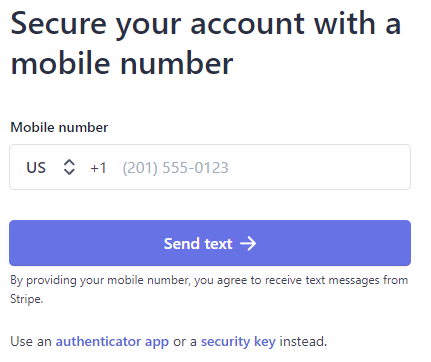
Step 4c- Secure your account
You can use your phone number, an authenticator app, or a security key. Secure your account and continue.
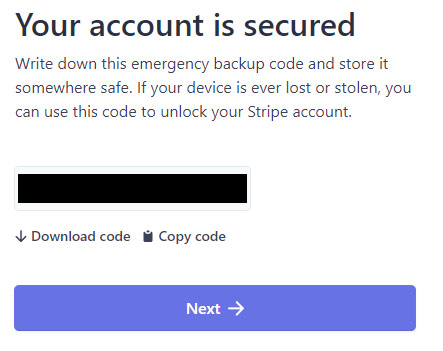
Step 4d – Document backup code.
Follow the onscreen instructions to backup your security code.
Step 4e – Follow Stripe Account Setup
Follow the onscreen instructions to:
- Select your registered business address
- Type of business
- Personal Details
- Professional Details
- Bank Account Information
- Public Details For Customers
- Climate Commitment (optional)
- Review and Submit
Step 4f – Stripe Setup Complete
After submitting your information to Stripe, your Stripe account will be connected to Myc’s Place and you may now proceed to Step 5.
(You can view your Stripe Dashboard using THIS link.)